




No Minutes to Count
Online you pay by the minute. In the plugins there’s no meter at all, so you can run a full album through as many times as you like.
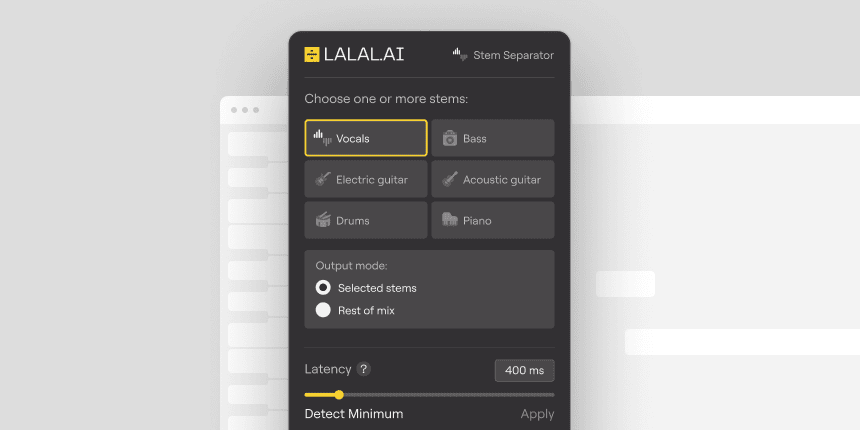
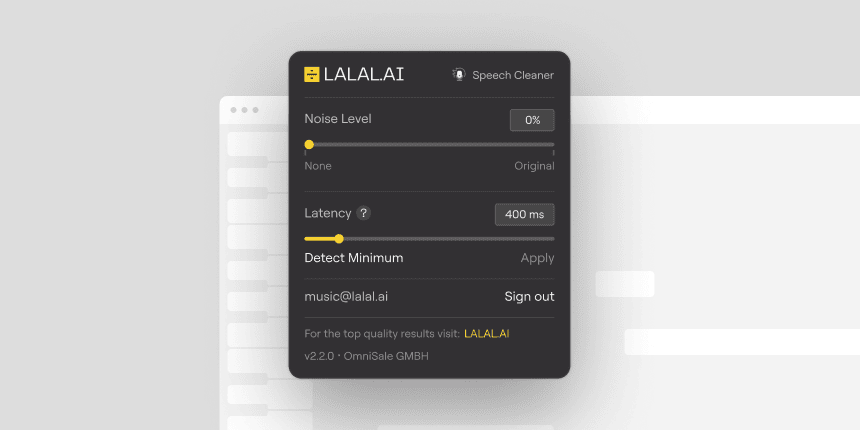
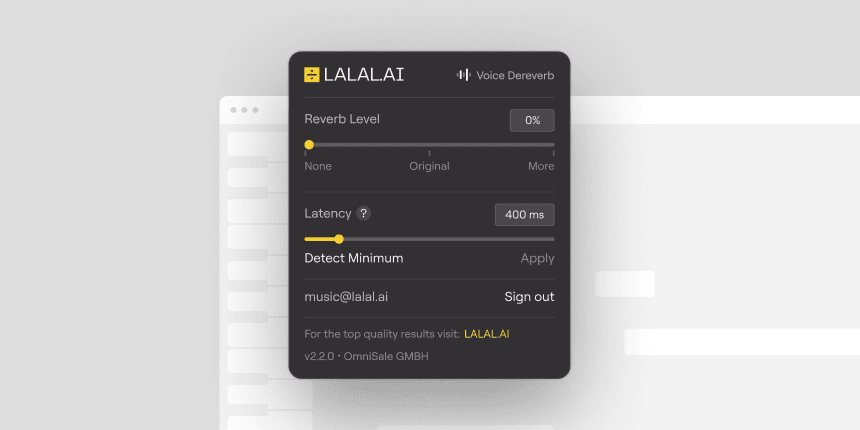
Split songs into stems, clean up noisy speech, remove reverb from vocals.

Each one is trained for a single task, so it does that task well. Install one or install all three.
Split any track into separate stems and keep only what you need. Works on files of any length, and nothing leaves your computer.
Separate a voice from the background noise around it. Keep it fully clean, or leave a little noise in so the result still sounds natural.
Remove the reverb from a recorded voice. Works on clean voice only, so run it on a raw take or after Speech Cleaner.
Everything runs on your own machine, inside the project you’re already working in. Your audio never gets sent anywhere, which matters if the material is unreleased or under NDA.
Drop an audio file into your DAW project.
Load it on the track like any other effect. Nothing to set up.
Every plugin works the same way. Move one slider to set the balance between the part you want and everything around it.
Adjust and listen without leaving the session. The audio stays in the project, so you can keep tweaking as it goes.
Online you pay by the minute. In the plugins there’s no meter at all, so you can run a full album through as many times as you like.
Windows, macOS, and Linux, in whichever DAW you already have open. Free and budget hosts work as well as the expensive ones.
Sign in on up to three computers, and all three plugins work on each of them. Enough for a desktop, a laptop, and one to spare.
Every control is visible from the start, with nothing hidden a level deeper. All three plugins share the same layout, down to the position of each control.
Pro unlocks all three plugins. Each one works on up to three computers.
VST3 for Windows, macOS, and Linux, plus AU (beta) for macOS. Each plugin processes all standard audio formats your DAW handles: WAV, MP3, FLAC, and more.
Any DAW that supports VST3. Tested in Ableton Live, Reaper, and VST3-enabled versions of Audacity. Use the latest version of your DAW for best results.
No. Pro Tools requires AAX format, while our plugins provide VST3 as the main format and AU (Audio Units) as a beta. We’re actively considering AAX support for future updates.
Verify VST3 folder paths are correctly set in DAW preferences, perform a plugin rescan, ensure 64-bit compatibility, and update your DAW to the latest version.
Click Activate in the plugin window, enter the email tied to your account, and paste in the verification code sent to that email. This is a one-time step; after that the plugin works offline, with occasional checks to confirm your subscription is still active.
All three come with the Pro plan: $19.99 a month, or $15 a month billed annually. Both options include unlimited minutes in the plugins and 250 Fast Queue minutes a month online.
No free trial or demo is available. Test the full functionality with our Pro Month Plan subscription, a short-term option perfect for evaluating workflow fit without long-term commitment.
No. Each plugin needs an active Pro subscription to process audio. If the subscription is inactive, expired, or unpaid, processing stops.
Yes. You can use them for commercial work, including professional audio production, DJ sets, and advertising, as long as your use follows the license terms.
Up to three workstations, as long as they’re under the control of the same user. Your subscription lets you use all three plugins on each of those workstations, and a workstation counts once no matter how many plugins are installed on it. Activations are personal and can’t be shared with other users.
The license allows local audio processing within a DAW on up to three workstations, along with royalty-free commercial use of the resulting outputs for studio production, DJ performances, and advertising.
Strictly prohibited uses include, but are not limited to, server or SaaS applications for processing third-party audio, insertion into 24/7 broadcast chains, reverse engineering, and OEM embedding.
See full terms in the EULA.
For enterprise licensing, contact enterprise@lalal.ai.


